Overview
The Dashboard is your personalised helicopter view of your business. When you log in, it's the first thing you see, surfacing the things that need your attention so you can quickly decide what to focus on.
Every user starts with a dashboard tailored to their role. If you're an Owner, Super Admin or Manager, you can now go a step further and customise your dashboard — rearranging, resizing and swapping the widgets so the layout matches how you actually work.
Customising your dashboard
Who can customise
| Role | Can customise? |
|---|---|
| Owner / Super Admin (paid plan) | Yes |
| Manager | Yes, on every plan |
| Owner / Super Admin (free plan) | No — you see a fixed dashboard with an upgrade prompt |
| Basic users, Accountants / Bookkeepers, Clients | No — you see a fixed dashboard tailored to your role |
Your customisations are saved per business, just for you. Other people in the account keep their own layouts, and if you belong to more than one business each one remembers its own arrangement.
Turning on customise mode
Click Customise dashboard (the gear icon) in the top-right toolbar above your dashboard. Your widgets shift into edit mode — each one gains a drag handle and a swap button, and any empty positions show an Add widget tile.
Two more buttons appear while you're editing:
- Reset to default — puts everything back to the standard layout for your role
- Done — leaves customise mode
You don't need to save. Every change is saved the moment you make it — "Done" simply exits editing.
Rearranging widgets
Grab a widget by its drag handle (the diagonal-arrows icon, top-left of the widget) and drag it over another widget. When you drop it, the two widgets swap positions. The position you're about to drop onto is highlighted so you can see where the widget will land.
Swapping a widget for a different one
Click the swap icon (the circular arrows) on any widget to open the Choose a widget window. Pick a widget and click Select — it takes that position, and the widget that was there is removed from your dashboard.
A widget can only appear on your dashboard once, so the chooser only offers widgets you don't already have on screen.
Widget sizes
Each position on the dashboard is one of three sizes, and widgets are designed to show the right amount of detail for the space they're in:
- Small — a quarter-width, compact card (a headline number or short summary)
- Half — a half-width card with more detail
- Full — a full-width card, best for timelines and wide tables
When you open the Choose a widget window for a position, it only lists widgets that fit that size. For example, Milestones and Leave Report are full-width only, so they'll only appear as options in a full-width position, while Who's doing what? and Workload Outlook can go anywhere and reshape themselves to fit.
Empty positions and "Add widget"
If a widget is no longer available on your plan — for example you turn off Payroll, or a feature isn't included in your current plan — its position quietly becomes an empty Add widget tile rather than showing an error. Click Add widget to drop a different widget into that space from the chooser.
Resetting to the default
Changed your mind? Click Reset to default while in customise mode and confirm. Your customisations are cleared and the dashboard returns to the standard layout for your role.
Widgets you can add
These are the widgets available on the customisable dashboard. Some are only available when the relevant feature is switched on for your account (noted below).
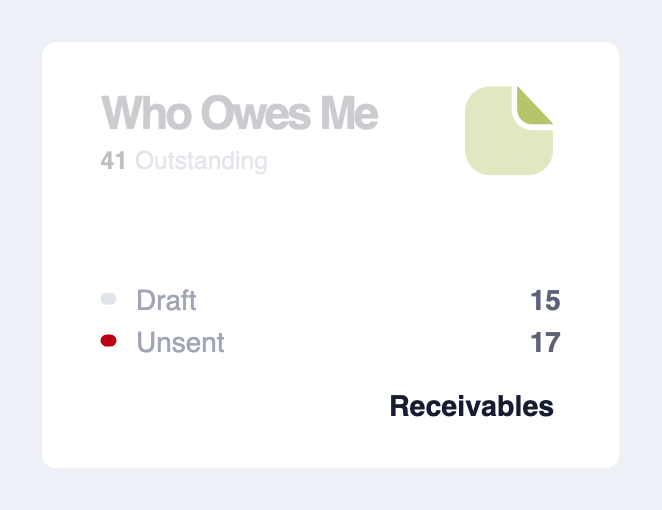
Who Owes Me
Your receivables at a glance — outstanding, draft and unsent invoices — with a link through to Receivables. (Small or half.)
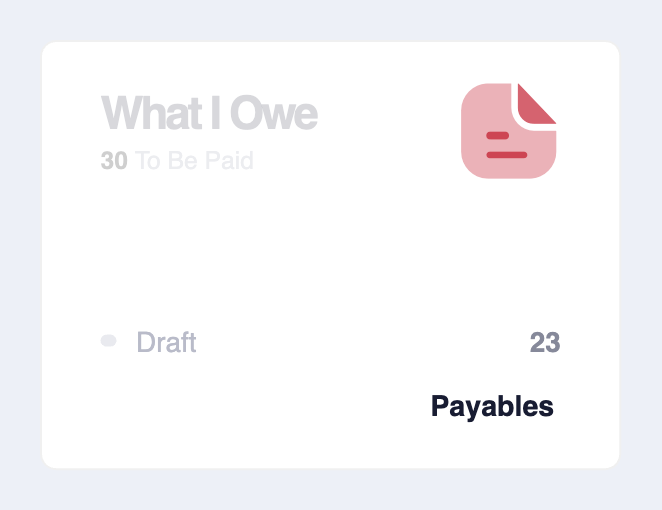
What I Owe
Your payables — bills and expenses still to be paid, with a link through to Payables. (Small or half. Requires the Expenses feature.)
Incoming
Incoming expenses waiting to be reviewed and categorised, grouped by supplier. (Small or half. Requires the Expenses feature.)
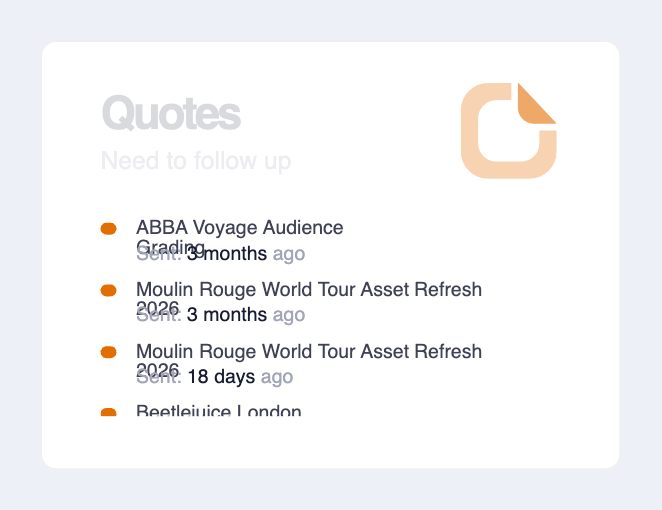
Quotes
Pending quotes that need a follow-up. (Small or half. Requires the Quotes feature.)
Leave Requests
Leave awaiting your approval, showing the team member, leave type and start date, with an Approve Leave action. (Small or half. Requires Payroll.)
Who's doing what?
A live view of the tasks currently in progress across your team, per person. In a small position it summarises how many people are working and how the team is tracking; at half or full width it expands into per-person detail. (Small, half or full.)
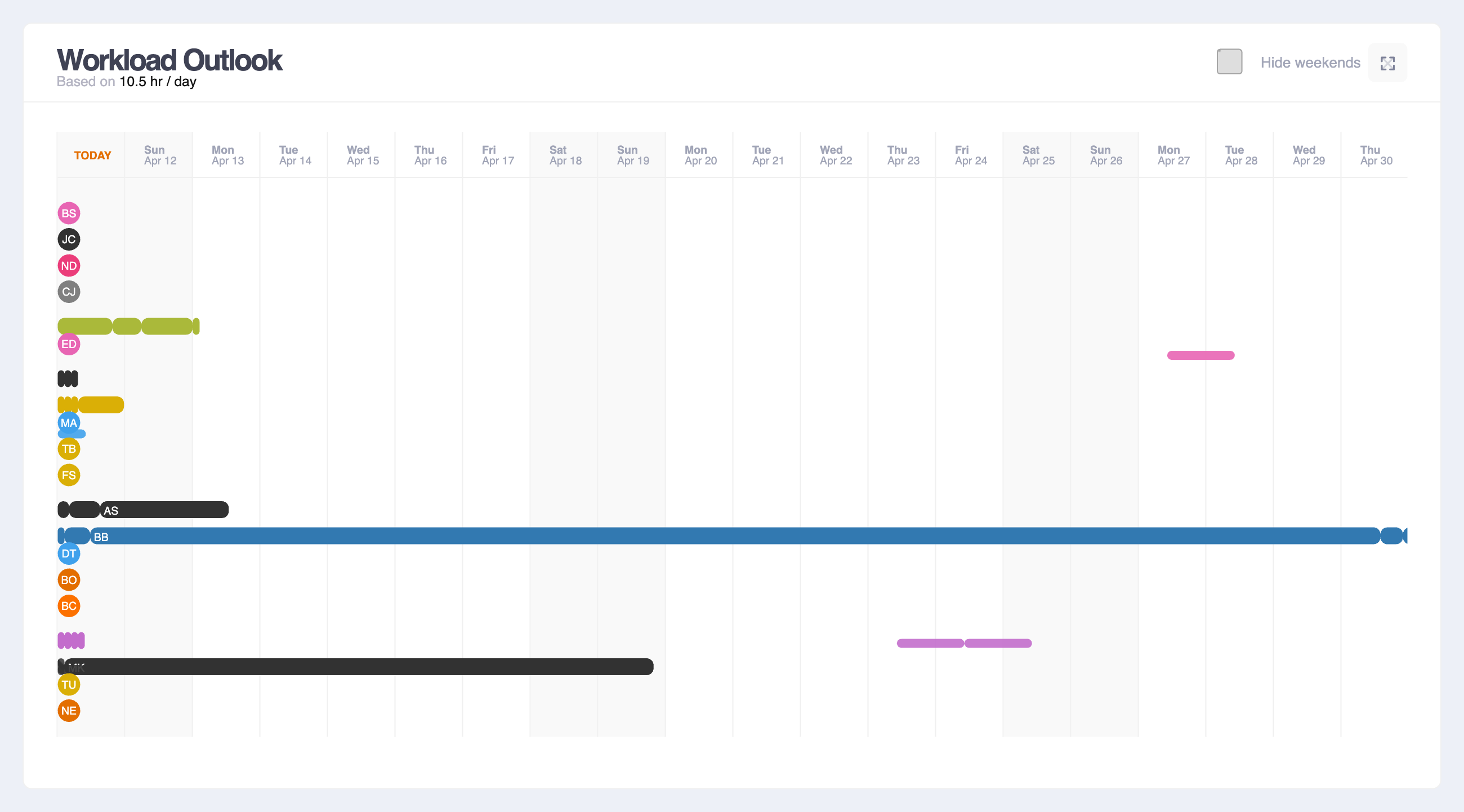
Workload Outlook
How upcoming work is distributed across your team, including leave. The full-width version is a timeline with 6 Months, Week, Two Days and Milestones tabs and a "Hide weekends" toggle; smaller sizes summarise who's over, at or under capacity. (Small, half or full.)
Recently Completed
The tasks closed most recently across the account, so you can see what's just been finished. (Small or half.)
My Time
Your own logged time for the week, one row of the day per entry on a 24-hour timeline, so gaps in your day stand out. Switch between This week and Last week with the tabs in the corner. It works like the Time Entries report: click a bar to adjust its start and end with the slider, or use the pencil to open the full editor. (Half or full width; full width adds the task and project beside each bar.)
Milestones
Your project milestones and events laid out on a timeline. (Full width only.)
Leave Report
A leave summary across the team. (Full width only. Requires Payroll.)
Default layouts
If you never touch customise mode, your dashboard uses a sensible default for your role — and Reset to default always brings this back.
Owner / Super Admin (paid plan)
A top row of compact cards — Incoming, Leave Requests, Who Owes Me and What I Owe — alongside Who's doing what?, followed by a full-width Workload Outlook and a full-width Milestones timeline.
Manager
Who's doing what? next to Recently Completed, then a full-width Workload Outlook, a full-width Milestones timeline, Incoming next to Quotes, and a full-width Leave Report.
Dashboards that aren't customisable
Some roles have a focused, fixed dashboard designed around what they need. These can't be rearranged.
Owner / Super Admin on the free plan
A streamlined dashboard covering invoices, who's doing what, workload and milestones, with a prompt to upgrade for the full customisable experience.
Basic users
A focused view limited to their own work:
- Task Board — tasks assigned to them and their current status
- Schedule — a timeline of their upcoming work
- Who's doing what? — tasks currently in progress across the team
- Time Entries — a chart of the time they've recently logged
Accountants / Bookkeepers
A view focused on financial health and team performance:
- Who Owes Me and What I Owe — outstanding receivables and payables
- Tax Reports — a tax reporting summary (when GST/VAT is registered)
- Bank Accounts — a card per active bank account with its balance, an annual reconciliation grid, and a link into Bank Reconciliations
- Performance — weekly hours logged per team member
Clients
A simple, browse-only view of the projects and activity shared with them.
Note: Your dashboard updates in real time as activity happens across the account — you don't need to refresh the page to see the latest information. This is true whether or not you've customised your layout.